
People & groups
Random pair generator
Pair one list, randomly match two separate lists, or build a complete no-repeat partner schedule.
Tool controls
Use this list elsewhere
Saved lists stay in this browser. Loading a list creates a working copy; changes update the saved source only when you choose Update.
Quick paste-and-use still works without saving.
Result
Ready when you are
Choosing…
A previous selection was interrupted. Reveal the saved result or cancel it and restore the previous state.
How to use it
Randomly pair one list, match two lists or plan a rotation
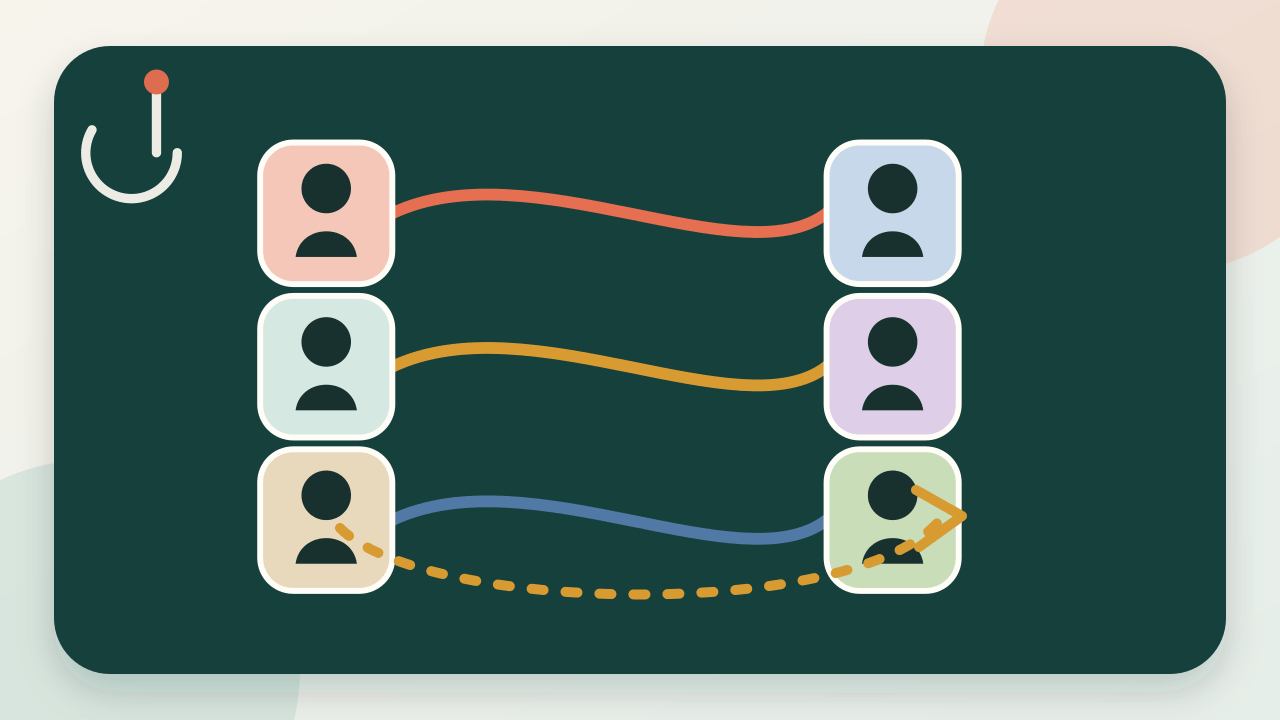
- Choose quick pairs, two separate lists or a round-robin schedule, then enter one person or item per line.
- For two lists, review how many matches will be made and whether either list will have unmatched entries.
- Generate the result, then copy, print, present or export it. Scheduled mode also lets you move through every round.
Worked example
What a result means
Three mentors and four mentees create three random cross-list matches and one clearly marked unmatched mentee. Four people in scheduled mode create three rounds so each person meets every other person once.
Assumptions
Check the eligible input
The repeat-free statement applies only to the complete generated round-robin cycle. Quick and two-list modes make one independent draw; unequal two-list inputs leave explicit unmatched entries.
Selection method
How this tool chooses
Quick mode securely shuffles one list and groups adjacent entries. Two-list mode securely shuffles each list independently before matching their entries by position. Schedule mode uses the circle method, with a bye placeholder when the participant count is odd.
Inputs and optional saved data remain in this browser until you remove them.
Practical uses
When it can help
- Match mentors with mentees
- Pair people with tasks from a second list
- Rotate peer-feedback partners
Limitations
Use it for the right job
Two-list mode does not promise repeat-free future draws or compatibility between matched entries. The no-repeat guarantee applies only to an unmodified generated round-robin schedule.
ChoiceDrop does not claim “true random” results, certification or independent auditing.
Frequently asked questions
Good to know
How do I randomly pair names?
Enter one name per line and use quick mode to shuffle the list into pairs. With an odd number, choose a rotating bye or one trio.
Can I randomly match two separate lists?
Yes. Choose Match two separate lists, enter List A and List B, then generate. Each list is shuffled independently and any extras are shown as unmatched.
Will a pair repeat?
Not within a complete unmodified round-robin cycle. Each possible pair appears once.
What happens with an odd number?
Quick mode can show one bye or make one trio. In scheduled mode, one participant receives a clearly marked rotating bye in each round.
Does progress survive a reload?
Yes. The current schedule and round are stored locally in this browser.