
Pick & decide
Wheel spinner
Add names or choices, set visible weights, spin without repeats and present results full screen.
Tool controls
Saved wheels and sharing
Share links keep data in the URL fragment, but anyone with the URL can read it. Do not include sensitive personal information.
Use this list elsewhere
Saved lists stay in this browser. Loading a list creates a working copy; changes update the saved source only when you choose Update.
Quick paste-and-use still works without saving.
Result
Ready when you are
Choosing…
A previous selection was interrupted. Reveal the saved result or cancel it and restore the previous state.
The winner is selected securely before the wheel moves.
Text list alternative
Entries and relative weights
History
How to use it
Build a wheel that shows how choices are treated
- Add one choice per line and preview the labelled segments on the wheel.
- Keep equal weights for equal chances, or add visible weights when some choices should be more likely.
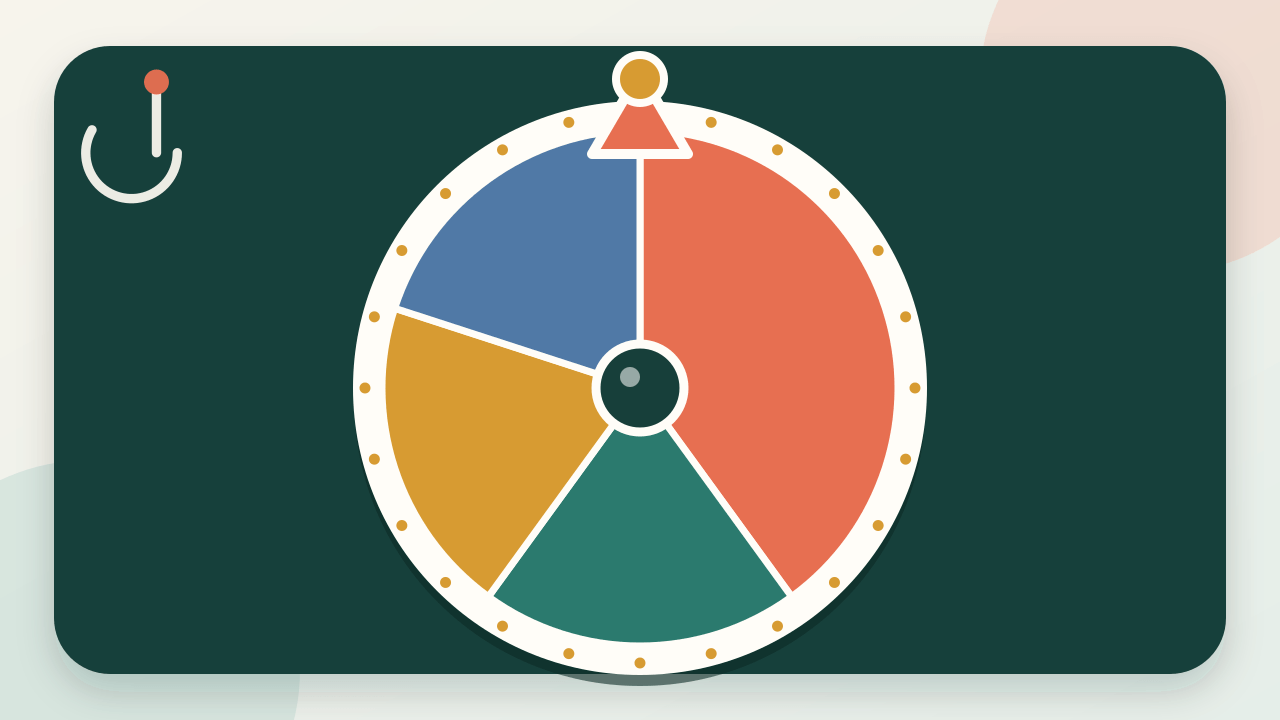
- Spin after choosing whether results may repeat, then watch the settled pointer identify the locked result without a second selection.
Worked example
What a result means
A lunch wheel with Soup, Salad and Sandwich at equal weight gives each entry the same chance. Giving Sandwich a weight of 2 makes it twice as likely as either other entry, and the page marks the wheel as weighted.
Assumptions
Check the eligible input
Weights are relative, not percentages. A weight of 2 versus 1 means twice the chance; it does not mean a guaranteed two wins in three spins.
Selection method
How this tool chooses
The browser selects from the eligible entries before motion begins. The wheel animation points to that stored result and cannot alter it.
Inputs and optional saved data remain in this browser until you remove them.
Practical uses
When it can help
- Settle a meal or film choice
- Rotate chores or game turns
- Choose a workshop or classroom activity
Limitations
Use it for the right job
The wheel animation only presents a result selected beforehand. It is not suitable for gambling or regulated lotteries.
ChoiceDrop does not claim “true random” results, certification or independent auditing.
Frequently asked questions
Good to know
Does the animation choose the winner?
No. The browser selects the result first; the visual wheel then animates to that result.
What do weights do?
A weight changes an entry’s relative chance. The wheel visibly discloses when weights are unequal.
Does sharing upload entries?
No. A short configuration can be placed in the URL fragment, which stays client-side. Avoid sensitive information in shared URLs.